Standard
Submit normal print-ready front and back artwork.

Mana Vault Proxies
Follow every step below before submitting artwork. Incorrect or incomplete files can delay production.
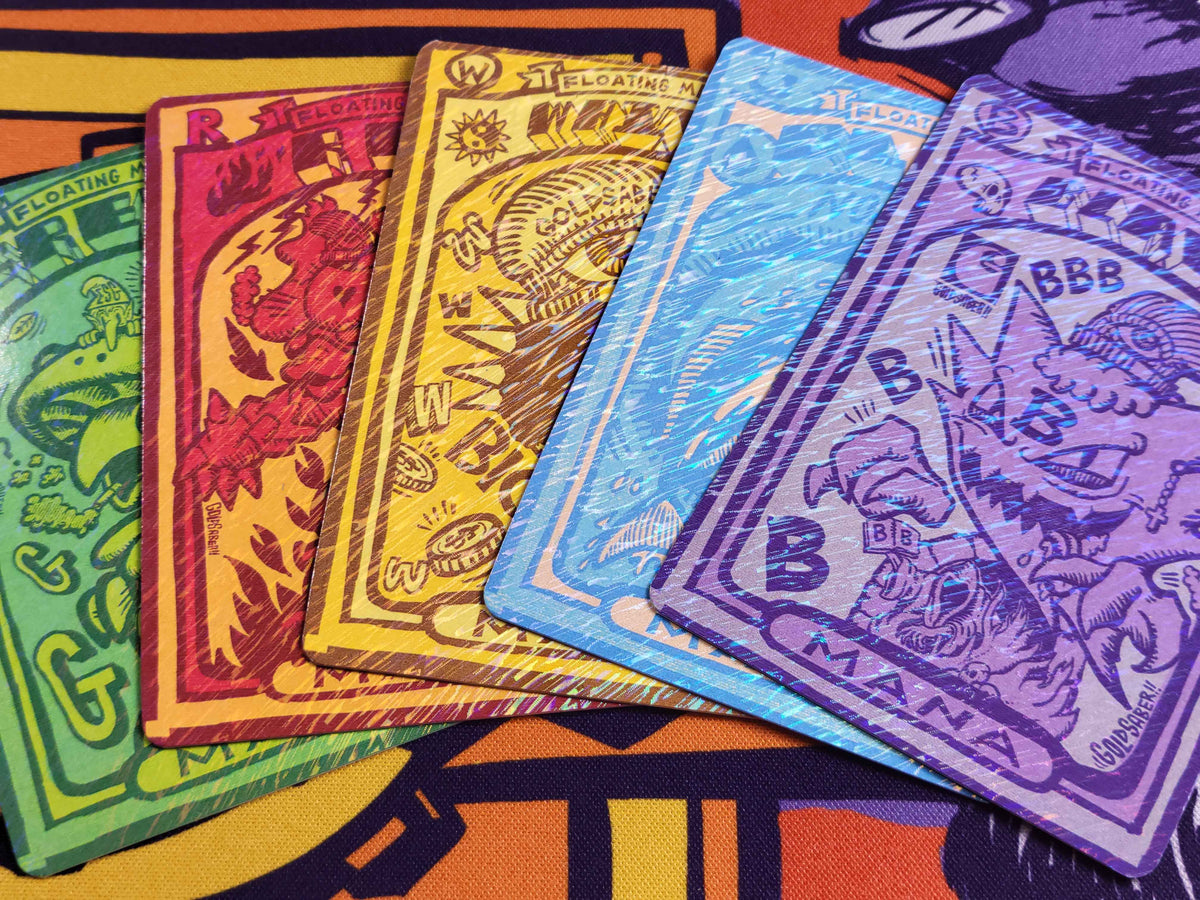
Choose the finish that matches your order. Gilded foil has additional file requirements.
Submit normal print-ready front and back artwork.
Submit normal print-ready front and back artwork.
Submit normal print-ready front and back artwork unless otherwise instructed.
Layered PSD or TIFF/TIF required. Include a separate layer named FOIL.
Every submitted design must meet all of the specifications below.
Artwork layer(s)
FOIL layer
Front and back files supplied
Flattened foil mask
Unlabeled foil layer
Foil shown only in a preview image
Use clear filenames so we can match every front, back and foil treatment without guessing.
DesignName_FRONT.tif
DesignName_BACK.tif
DesignName_FRONT_GILDED.psd
DesignName_BACK_GILDED.psd
Submitting several designs? You may package the project as a ZIP, for example CompanyName_ProjectName.zip. Files inside the ZIP must still follow the FRONT/BACK naming convention.
After reviewing the requirements, use the Upload Token Artwork field associated with this product. Do not email production artwork unless instructed by Mana Vault Proxies.
FRONT: Upload the final front artwork.
BACK: Upload the matching final back artwork.
Both files are required. Do not put a single-design order into a ZIP.
Place every matching FRONT and BACK file into one organized ZIP.
Example: Goblin_FRONT.tif + Goblin_BACK.tif. Repeat the same naming format for every design.
By placing this order, I confirm that my artwork meets the specifications above and that I supplied all required files. I understand that incorrect, incomplete or improperly prepared artwork may delay production.
Contact Mana Vault Proxies before submitting if you are unsure about file setup. It is easier to correct a file before it enters production.
Confirm that your artwork meets every requirement above. Then select your finish, quantity, treatment and artwork submission type below.
Build Your OrderCouldn't load pickup availability